XHH Console · HeyBox AI Workspace
A self-hosted AI content workspace for HeyBox, with illustrated drafts, a comment inbox, automation, batch review and a persistent sending queue.
- Year
- 2026
- Status
- Active
- Categories
- ai / web / python / tool
- Updated
- 2026.10.19
- Python
- FastAPI
- SQLite
- JavaScript
- OpenAI compatible
- MCP
- WebAuthn
On this page
Overview
XHH Console is a self-hosted AI content workspace for HeyBox. It brings community topics, illustrated drafts, a comment inbox, automation tasks and delivery receipts into one interface, with explicit states from generation through review to publishing.
The project was migrated from the original Go bot to Python in October 2026, then extended with a web console, a persistent sending queue, passkey sign-in and cloud deployment. It is a personal administration tool that can manage multiple HeyBox accounts.
Problem
Generating text is only one step. A usable workflow must also establish the account, target post, visibility and whether a failed request can be sent again. When generation, review, publishing and retries are spread across scripts and platform pages, context is easy to lose and timeouts can lead to duplicate posts.
The project therefore emphasizes an inspectable workflow: save drafts, verify targets, approve explicitly, send in order and leave uncertain remote outcomes for manual reconciliation.
Features
- Content workspace: generate and edit posts and comments, draft replies using post text and image context, manage local images, communities and hashtags, and retain drafts and delivery history.
- Automation tasks: configure posting, commenting and reply tasks, topic sources, prompts, intervals and per-account sending limits. Tasks start paused and require review by default; automatic execution can be configured when needed.
- Comment inbox: review comments on the account's own posts with the original context, then generate a reply or handle it manually.
- Batch review and sending queue: filter drafts by task type, source task or keyword; verify text, account, target and visibility before enqueueing a batch. A background single consumer sends in order and continues when the browser is refreshed or closed.
- Message center: persist queue notifications and execution receipts, with unread filters, batch read actions and history cleanup. Clearing messages does not remove content history.
- Multiple accounts and model settings: sign in to HeyBox accounts by QR code, configure AI services and prompts, and manage posting, commenting and reply quotas separately.
- Desktop and mobile layouts: a dark and gold interface with a shared XHH mark, with navigation, review content and message panels adapted for narrow screens.
Architecture
Browser: vanilla JavaScript / CSS
             │ HTTP API
             ▼
FastAPI + Uvicorn
   ├─ Content workspace, inbox and account management
   ├─ Scheduling, review and a single-consumer sending queue
   ├─ OpenAI-compatible model APIs and MCP stdio tools
   └─ HeyBox adapters, image uploads and delivery receipts
             │
             ▼
SQLite: account settings, tasks, content history, send ledger,
        queue entries and messages
The web console stores runtime state in SQLite. The legacy CLI remains a separate entry point and supports SQLite or PostgreSQL. The frontend uses vanilla JavaScript and CSS without a separate framework build pipeline.
Engineering decisions
- Separate generation from publishing: save editable content first, then let the review workflow authorize delivery. The model writes text; it does not choose the account, visibility or scheduling parameters.
- Never automatically replay uncertain requests: a remote timeout or interruption marks the relevant record as
unknown, requiring verification on the platform. The send ledger, content fingerprints and queue reservations help prevent repeated execution; they do not claim absolute exactly-once delivery across external systems. - Persist queue state: validate each batch and reserve its content in a transaction to prevent simultaneous editing or duplicate sending. On restart, recover resumable entries and leave writes without receipts for reconciliation.
- Protect the management interface: the cloud deployment uses HTTPS, access-code sessions, CSRF checks and passkeys. Multiple platform accounts do not make the console a multi-tenant authorization system.
- Encrypted backups and isolated recovery: take consistent snapshots through SQLite's online backup API, encrypt with AES-256-GCM and wrap keys with RSA-OAEP, with isolated recovery and integrity checks.
Development and status
By October 2026, the Python migration, illustrated publishing, web console, cloud scheduling, mobile layout, passkeys, batch review, sending queue, message center and brand assets had been deployed.
AI image generation for posts has been implemented locally and tested with mocked interfaces. At the time of this write-up, it has not been deployed to production or validated against a real paid image-generation service.
Automated verification uses mocked platform and model interfaces and temporary databases to cover delivery states, repeated approval, timeouts, restart recovery, authentication and quotas. Live platform behavior and model capabilities remain dependent on the relevant accounts, services and platform changes.
Credits
The Python migration and console extensions build on the original Go implementation of SomeOvO/xhhRobot. This entry describes the current Python implementation and its added workspace capabilities.
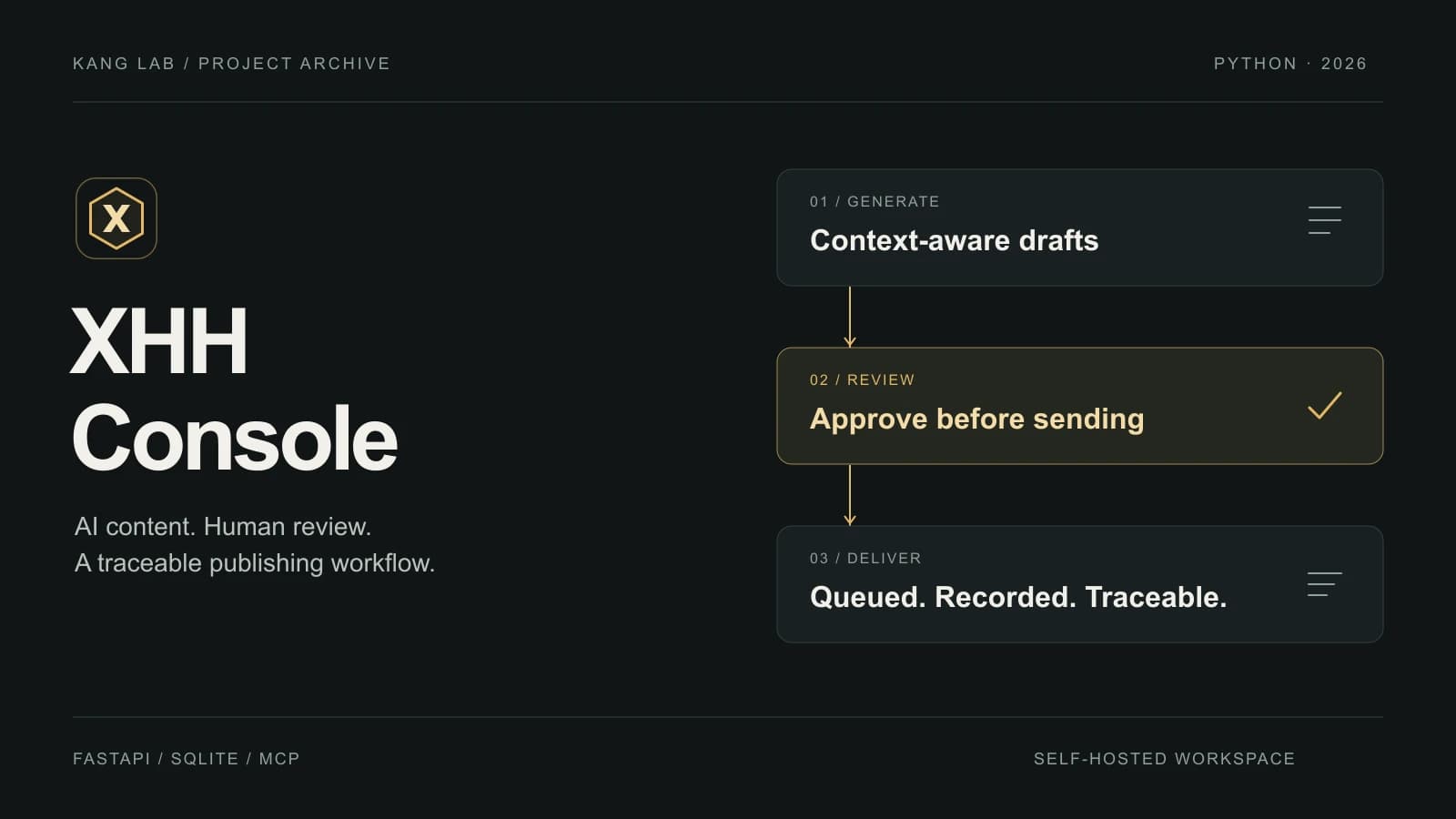
The project contains account and runtime data, so the real console is not offered as a public demo. The cover is a workflow illustration using the project's mark and palette, rather than a screenshot of production data.
The public mock demo reuses the workspace interface with fictional accounts, posts, comments and results. Generation, login, review and delivery are simulated in the browser and reset on reload; no live platform, production data or paid model is connected. AI image generation in the demo previews a local feature and returns fixed sample artwork.
Related Projects